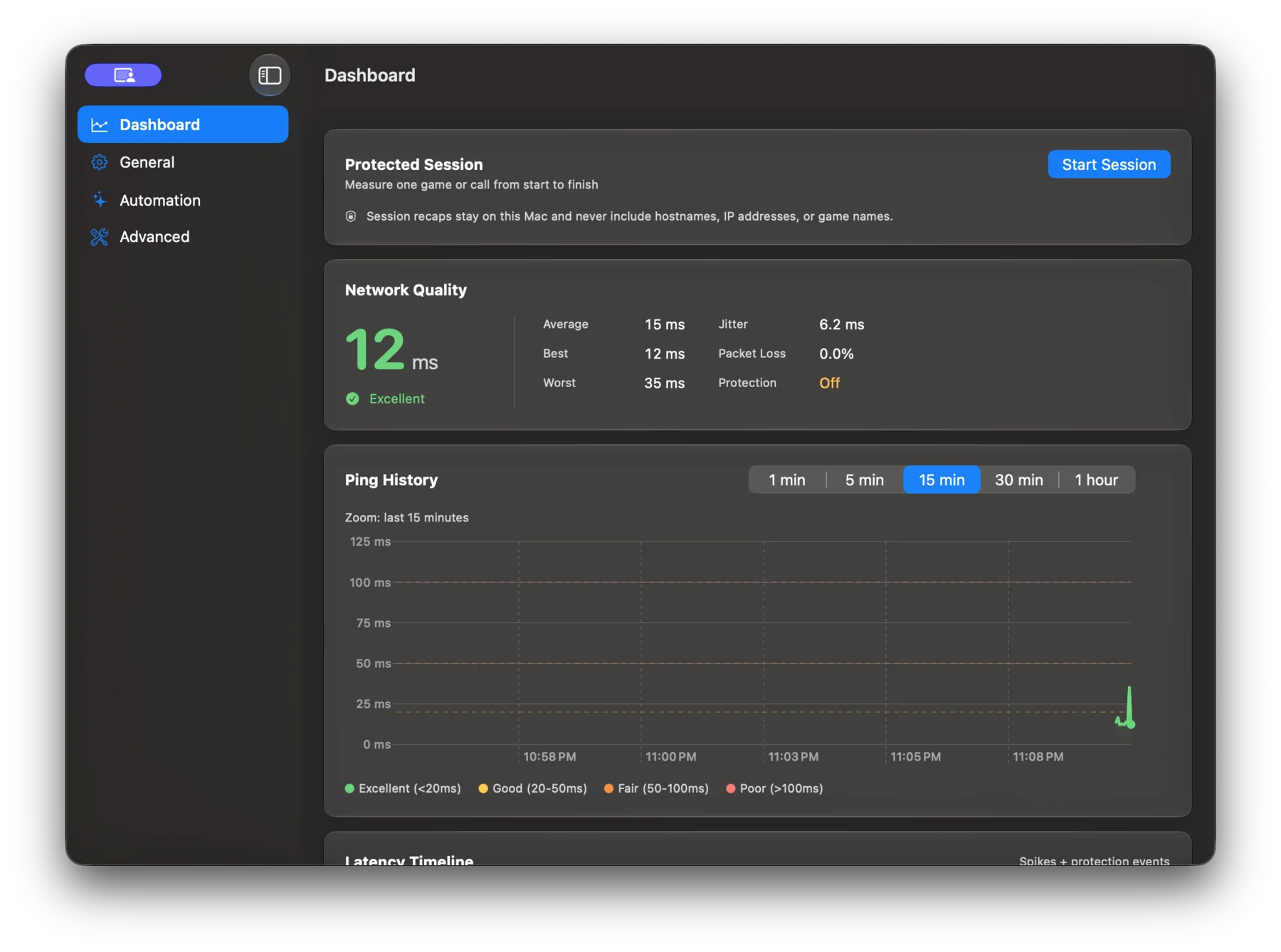
Why your Mac stutters mid-game
AirDrop, AirPlay, and Handoff share the Wi‑Fi radio through an interface called AWDL. Every few seconds macOS hops that radio to another channel to look for nearby devices and hops back, and a cloud gaming stream feels each hop as a hitch. Ethernet doesn’t have this problem, but most MacBooks live on Wi‑Fi.
What Ping Warden does
A privileged helper watches for macOS trying to raise the AWDL interface and takes it back down the moment it does. The dashboard shows live latency and jitter, discovers GeForce NOW regions as ping targets, and counts every intervention so you can see what happened on your own network. Game Mode auto-detect turns protection on when a game is running, and macOS 26 adds a Control Center toggle.
What pauses
AirDrop, AirPlay, and Handoff pause while protection is on. A quick pause from the menu bar brings them back for ten minutes, and everything returns when the session ends.
What it costs
The dashboard, diagnostics, and updates are free. Turning on Ping Protection needs a one-time $15 license from the store, and it works on every Mac you own. The source stays MIT on GitHub, and the prebuilt app is signed, notarized, and updates itself through Sparkle.